
ChatGPT can finally make GIFs, but the saved-photo trick is the real story
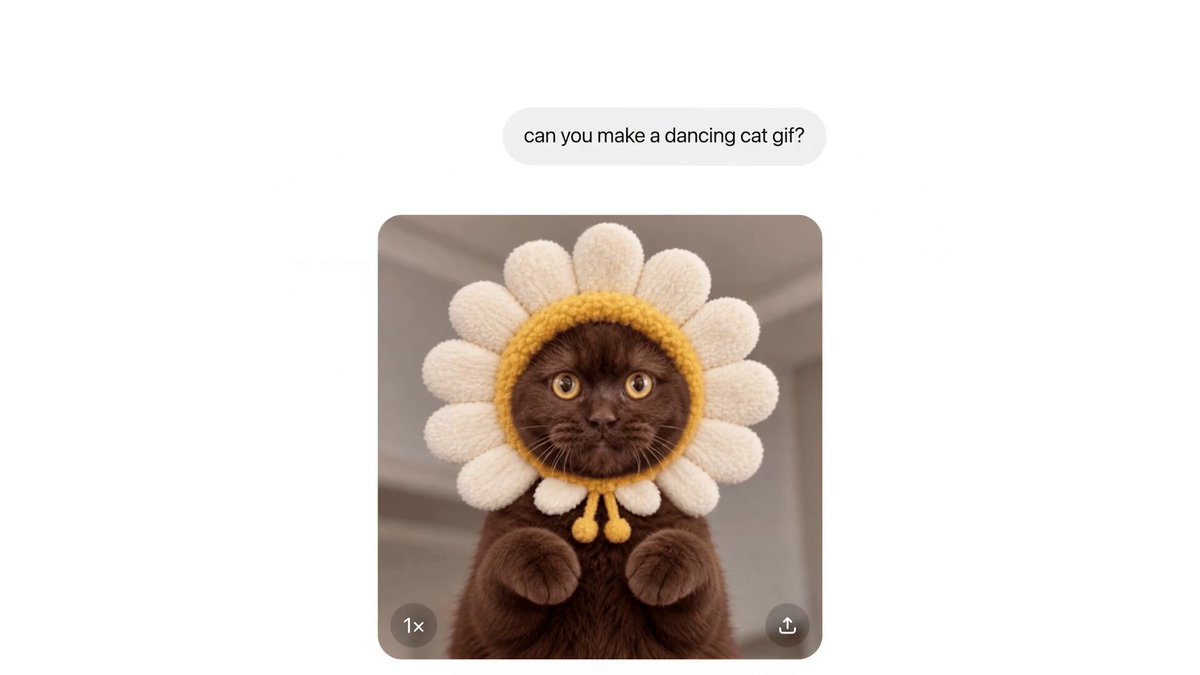
OpenAI has just given ChatGPT the party trick the internet has been waiting years for: describe a loop, get a GIF. Images 2.6 landed on 4 November, and while the animation is the headline act, there is a quieter addition sitting beside it that we reckon will earn its keep long after the novelty fades.
The numbering tells you the story. This is a 0.1 step on the Images 2.5 model that arrived in September, not a ground-up rebuild, and OpenAI’s own announcement pitches it as faster creation with tighter control over edits. It covers ChatGPT, Codex and the API in one go, so developers get new toys too.
What is new in Images 2.6
Two things change for everyday ChatGPT users. First, you can now make animated GIFs. Second, you can save reference images and reuse them in later chats. Everything else, from speed to editing consistency, is polish on top of those two.
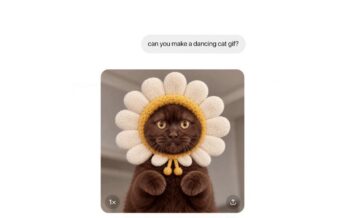
GIFs, finally
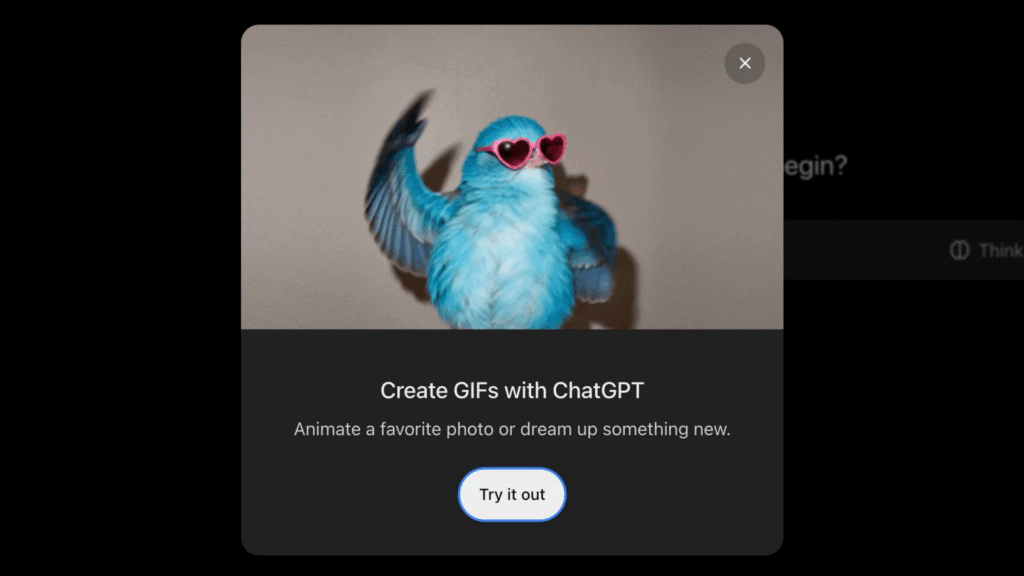
Until now, ChatGPT could not turn a request into a finished GIF in one step. Now you can ask for a looping animation, or upload a sketch or photo and ask for a character to wave, and it builds the thing for you. Once it exists you can change the playback speed, inspect individual frames, edit them and share the result.
That frame-level editing is the smart bit. Plenty of AI animation tools hand over a finished clip and leave you to re-roll the whole thing if one frame goes wrong. Being able to fix a single frame turns a gamble into a workflow.
The timing is worth a raised eyebrow too. OpenAI shut down its Sora video app in March, so short, shareable loops feel like a cheaper, lower-stakes way back into moving images. That is our reading rather than OpenAI’s, but it fits.
GIFs bring their own safety headaches, and OpenAI says as much. Its system card notes that harmful meaning can be spread across frames, so GIF-specific safeguards block some content categories more broadly than they would for still images. Expect the occasional refusal that would have sailed through as a single picture.
Saved reference images, the quiet winner
Save a photo under a name, then call it up in any later chat with an @ mention. No re-uploading, no re-describing. OpenAI’s pitch is a person, a pet or a character, but we see something more commercial: a product shot, a brand mascot or a logo you can drop into fresh scenes again and again.
It sounds dull next to a dancing GIF. It is not. Consistency is the thing AI image tools have always struggled with, and a saved reference is a simple, practical fix. Pair it with the GIF tool and you can build a recurring animated character in a few prompts.
Faster, and steadier on edits
Under the bonnet, Images 2.6 generates faster and does a better job of keeping details intact when you tweak a picture, such as a character’s outfit surviving a change of background. OpenAI says its speed-focused model can produce images in as little as six seconds, and that people now make more than four billion images a week across ChatGPT and its API, up from three billion in September. Those figures are OpenAI’s own and cover all image use, not GIFs specifically.
What developers get
Two new API models arrive: GPT-Image-2.6 Flare, built for speed, and GPT-Image-2.6 Sunburst, built for quality and consistency across edits. Both handle animated GIF generation, plus SVG export for graphics that scale cleanly across websites, apps and print.
There is also a new complexity setting that lets you dial how much planning the model does, with lower settings suiting quick edits. Markup-guided editing, which lets you draw on an image to show exactly where a change should happen, was already in ChatGPT and now reaches the API.
How we would use it
We have not put Images 2.6 through its paces yet, so treat this as a plan rather than a verdict. Based on what OpenAI has shown, we would start by saving a clean reference image of whatever we wanted to keep consistent, whether that is a mascot, a product or a logo. Then we would ask for a short looping animation, be specific about the motion, and use the speed control and frame editing to tidy the result.
The lesson from the early examples is that vague prompts get vague results. Say what moves, how quickly, and whether it should loop cleanly. If the first pass feels flat, ask for something livelier and iterate. That is how most image tools reward you, and GIFs are unlikely to be different.
Price and availability in the UK
OpenAI is rolling Images 2.6 out to all ChatGPT and Codex users on web, desktop and mobile, free plan included, so there is no new subscription to buy. As with most OpenAI launches, the rollout is gradual, so if GIFs have not appeared in your app yet, check back in a few days.
We have not found a separate charge for GIFs inside ChatGPT. API access is billed per image through OpenAI’s developer platform, and we have not confirmed GBP pricing for the new models, so check OpenAI’s pricing page before you build a budget around them.
What we still do not know
OpenAI’s announcement is light on limits. We have no word on maximum GIF length or file size in ChatGPT, how many GIFs free users can make before they hit a cap, or whether the plan tiers get different speeds. Those details decide whether this is a weekly habit or a nice afternoon’s distraction, so we will be watching for them.
Why it matters
OpenAI’s biggest launches have not always landed cleanly. We spent a good chunk of last year picking over the GPT-5 hype hangover, after GPT-5 arrived promising a whole new brain. Images 2.6 is the opposite kind of release: small, specific and immediately useful.
It also shows where generative tools are heading. The race has moved from stills to motion and interaction, as we saw when Google Genie 3 started building playable game worlds in real time. A GIF is the humblest form of that shift, but it is also the one most people will actually use.
The TechSpy take
We will not lose sleep over a 0.1 upgrade. But the pairing is smart: GIFs give you something fun to share today, while saved reference images solve the consistency problem that makes so much AI imagery feel disposable.
Our advice is to start with the reference images and add motion once you have a character or product you like. The only real question is how long the free-plan generosity lasts, given OpenAI began testing ads inside image generation in the US last month. For now, it is a good time to play.


