
Acer Swift 14 AI review: A slim laptop trying to make AI feel everyday
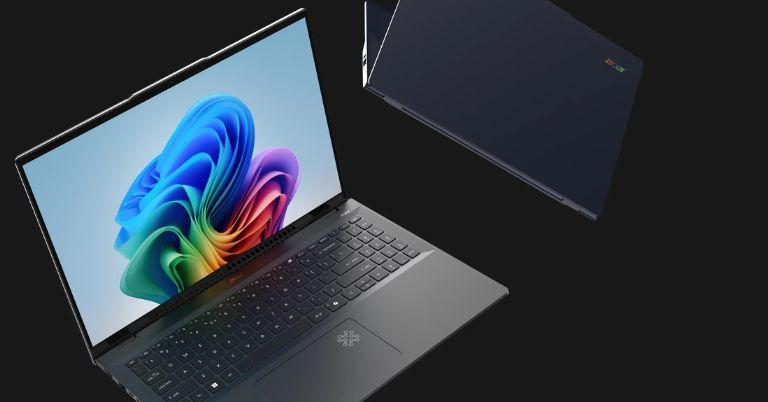
Acer’s Swift 14 AI is a bold attempt to fold on-device intelligence into a compact, stylish laptop, offering a blend of responsive performance, a tidy collection of AI tricks, and a lightweight chassis that wants to be taken everywhere. If you are curious about what an AI-ready ultraportable looks and feels like, this is one of the first practical answers.
Bold and energetic: Why the Swift 14 AI matters right now
We are living through a transitional moment where AI features that used to require cloud horsepower are moving onto the device itself, and that shift changes the way laptops are designed and used. The Acer Swift 14 AI is not just another thin and light machine, it is an early template for what everyday computing looks like when your laptop carries a built in neural processing unit, plus software to make that silicon useful. It is aimed at people who want speed and battery life for standard tasks, but also want instant AI conveniences, such as real time transcription, camera enhancements, and faster photo tweaks, without always depending on the web.
Design: Sleek, unflashy, and very portable
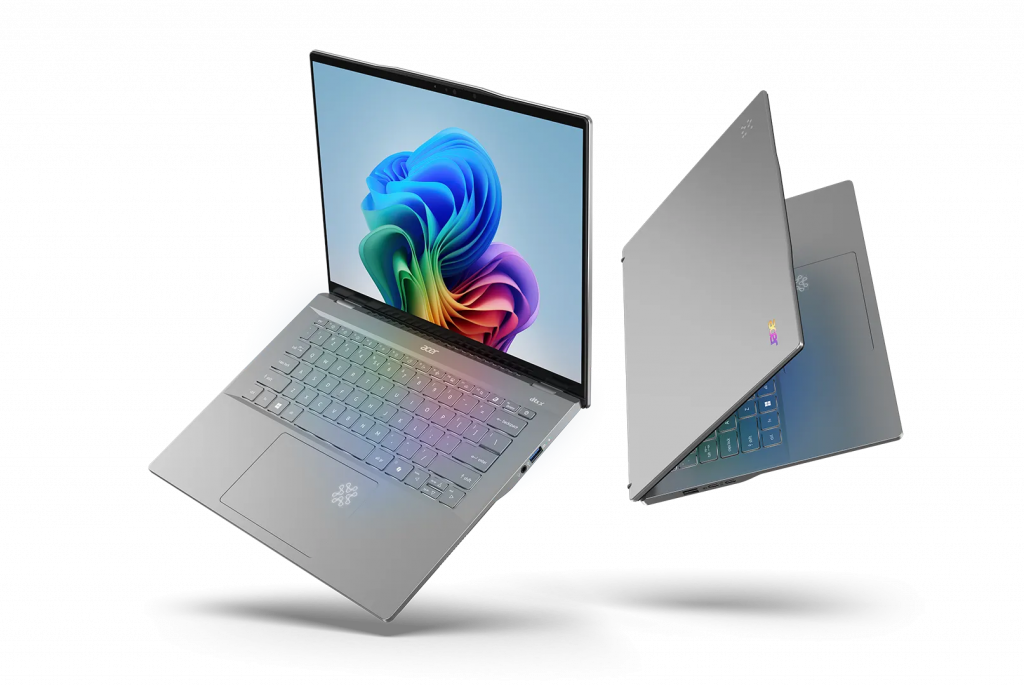
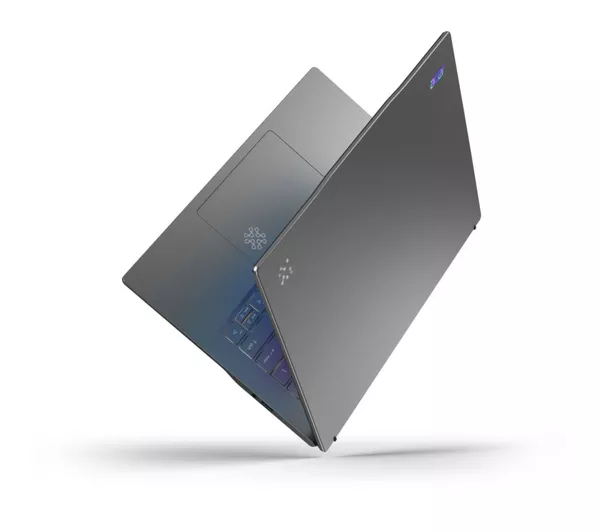
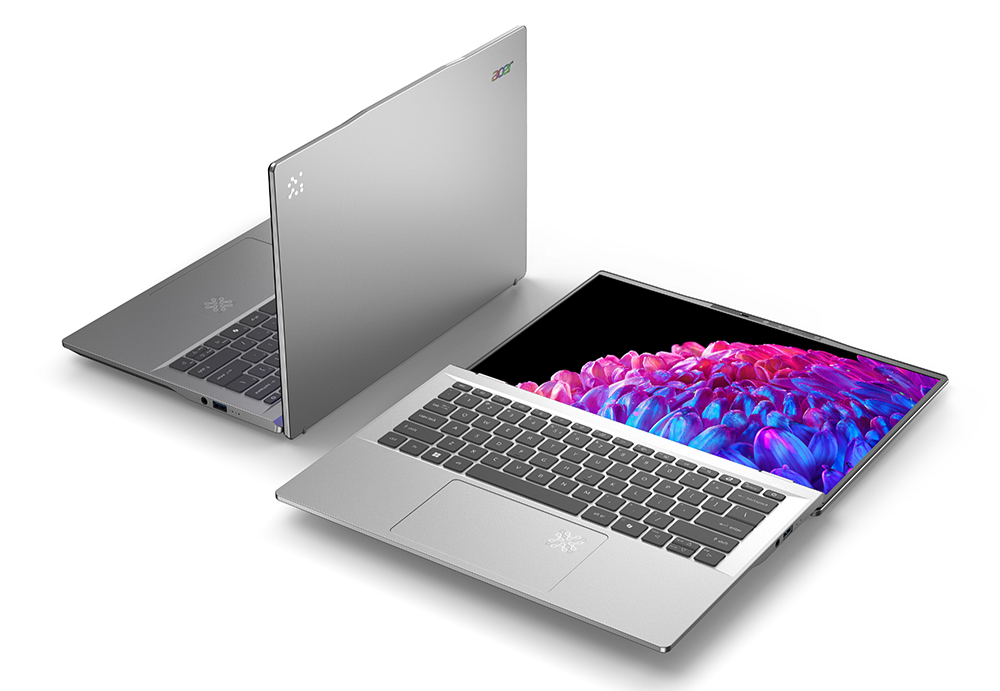
The Swift 14 AI keeps Acer’s design language neat and restrained, favoring a matte metal finish that looks premium without shouting. It is thin, lightweight, and carries enough rigidity to survive life out of a sleeve in a commuter bag. The keyboard has shallow travel but a pleasant, confident click, which suits long emails and quick edits. The trackpad is wide and responsive, with accurate gestures, so you do not feel the need for a mouse unless you are doing detailed work.
Port selection is generous for a laptop of this size, and that practical flexibility is a welcome touch. You get at least a couple of USB type C ports that handle charging and display output, a full size HDMI connector for plugging into monitors or TVs, and a headphone jack you will appreciate on flights. The webcam is a notable part of the package: it benefits from AI enhancements for background blur and low light compensation, so video calls look cleaner than the average built in camera.
Display and speakers: Everyday excellence, with a tiny theatrical streak
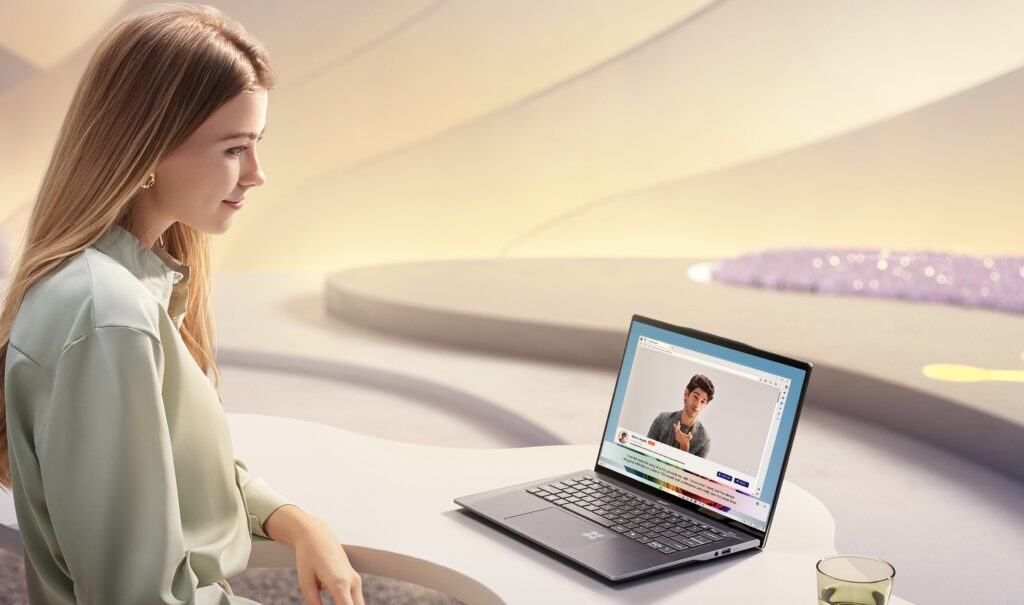
The Swift 14 AI pairs a 14 inch display with slim bezels, hitting the sweet spot between usable screen real estate and portability. The panel options lean toward high resolution, vivid color, and good viewing angles, which makes streaming, editing, and productivity feel more enjoyable. Brightness is sufficient for indoor use, and with a higher end panel option you get accurate color that will satisfy casual photo editors and content consumers.
Speakers on thin laptops are usually polite, not profound. Acer’s tuning here favors clarity over theatrics, which means podcasts and conference calls are intelligible, and movies fill a quiet hotel room, but you will want headphones for immersive listening. The audio benefits from software tweaks that clean up voice and dialogue, a small but thoughtful advantage when using the machine for meetings or late night TV.
Under the hood: Modern silicon explained for people who actually use laptops
Where the Swift 14 AI tries to stand out is the combination of a modern CPU architecture with a dedicated neural processing unit, sometimes called an NPU. In practice that means the laptop can handle the usual daily mix of email, spreadsheets, browsing, and media with ease, while also offloading certain AI tasks to specialized hardware. The result is faster on device transcription, real time camera and audio improvements, and some creative editing shortcuts, all without pinging a distant server.
Memory and storage configurations target productivity users: enough RAM to keep dozens of browser tabs open, plus fast solid state drives for quick boot times and large projects. The SSD in this class uses a modern interface which speeds up file transfers and application loading. Integrated graphics are competent for casual photo edits and light gaming, but this machine is not designed to be a gaming rig. Instead, it focuses on responsiveness and battery efficiency, which is what most people need for day to day use.
Real world performance: Fast feels, not just benchmark numbers
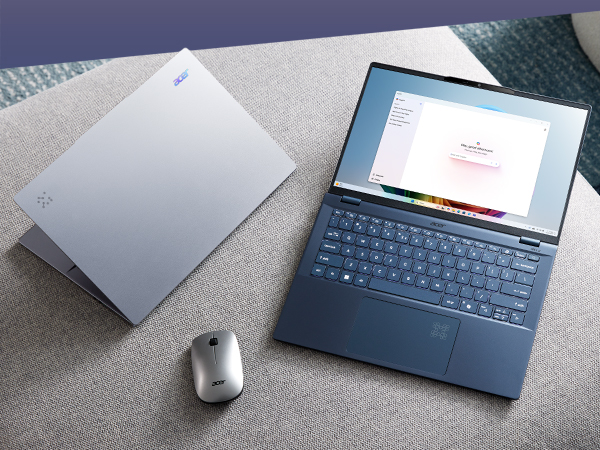
The Swift 14 AI is snappy in real use. Boot times are near instant, apps launch quickly, and multitasking rarely causes hiccups. When you open many tabs, switch between a video call, a document, and a photo editor, the machine keeps up thanks to that balanced mix of CPU cores and the extra horsepower provided by the specialized AI silicon.
Under heavier workloads, such as a long video export or a sustained photo batch edit, the chassis does warm up and fan noise comes into play. Acer’s cooling is designed for thin laptops, which means it prioritizes quiet everyday operation. For demanding creative work, an enthusiast grade workstation will outperform this Swift, but for the majority of users who need occasional bursts of power, the experience is gratifying rather than exhausting.
Standout features: The AI extras you will actually use
What separates this Swift from the typical every day ultraportable is its practical AI features. On device transcription turns meetings into searchable notes without sending audio to the cloud, which both speeds up the process and improves privacy. The webcam enhancements smartly correct skin tone and lighting, while removing background noise in calls. There are also photo and video tweaks that let you apply complex adjustments in seconds because the NPU accelerates those algorithms.
These features are not just gimmicks, they change workflows. Instead of opening a separate app for transcription, or spending ten minutes balancing exposure, you get instant improvements that feel like having a helpful assistant. Because much of this processing happens on the laptop itself, you get consistent performance even when your internet connection is flaky, which is a subtle but meaningful benefit for people who travel or work in variable locations.
Battery life: Efficient, with realistic endurance
Acer tunes the Swift 14 AI for battery efficiency first, then for peak performance. In everyday mixed use, which includes browsing, document editing, streaming audio, and an occasional video call, the laptop comfortably gets through a workday. If you lean heavily on AI tasks or run extended video editing sessions, battery life drops, as you would expect, because that extra processing consumes more power.
Charging is handled through USB type C, and the laptop supports fast top ups that are helpful between meetings or during a coffee break. The combination of efficient silicon and sensible power management makes the Swift a trustworthy travel companion, not a constant charger magnet. In short, you get the kind of battery life you can plan your day around, not an unpredictable endurance lottery.
Use cases: Who should consider this laptop, and who should not
This is a compelling option for hybrid workers, students, and creative types who value lightness, battery life, and everyday speed, but who also want a taste of on device AI that actually saves time. If you do frequent video calls, juggle many browser tabs, or edit photos occasionally, the Swift 14 AI will feel like an upgrade over a run of the mill ultraportable.
If your daily life is heavy raw video editing, 3D rendering, or serious gaming, this is not the machine for you. There are laptops with thicker bodies and larger fans that will give you higher sustained performance. Consider the Swift 14 AI an efficient generalist that adds clever AI conveniences, not a dedicated workstation for professional grade content creation.
Software and privacy: Useful, not intrusive
Acer includes a suite of software tools that integrate the AI features into the operating system, and those tools are largely optional. You get the benefits of enhanced video calls, transcription, and camera improvements without having the software force itself into every interaction. Importantly, on device processing limits the need to send sensitive data to remote servers, an increasingly important consideration as AI becomes more embedded into everyday tasks.
That said, the value of AI features depends on how well the apps you use support them. The ecosystem is improving quickly, and developers are adding plugins and APIs to take advantage of device based acceleration. For now, the Swift’s AI perks shine most in built in tools and first party apps, but expect broader support over time.
Drawbacks, softened: What could be better
No laptop is perfect, and the Swift 14 AI is no exception. The fans can become audible under long heavy loads, and the chassis warms when you push the machine for extended creative sessions. The integrated graphics are fine for casual gaming, but not for those who want high framerates at native resolution. Also, while the AI features are genuinely helpful, they are sometimes limited to the vendor’s software and need wider third party support to reach their full potential.
Finally, the pricing sits in a competitive bracket where rivals may offer slightly better screens, marginally more raw GPU power, or more aggressive cooling. The Swift’s strengths are its blend of design, battery life, and practical AI tricks, but if you want a single specification to dominate, there are machines that lean harder into one area or another.
Why it matters: The broader picture
The Swift 14 AI is notable not because it invents a single breakthrough, but because it packages several small but meaningful advances into a portable and attractive chassis. It shows how AI can make everyday tasks simpler, faster, and often more private when those capabilities live on your device. For people who are curious about AI but cautious about privacy and data usage, this laptop gives a glimpse at a future where helpful computational assistants are always available, without spinning up distant servers for every request.
It also signals a larger industry shift. Expect more manufacturers to prioritize on device AI acceleration, and more software to be built with that hardware in mind. The Swift 14 AI is an early adopter rather than a final word, but that is exactly what we need at this stage in the transition: practical experiments that show what works in the real world.
Conclusion: A forward looking ultraportable that makes AI feel useful
The Acer Swift 14 AI is a confident, practical step into an era where laptops do more of the intelligent heavy lifting locally. It balances a slim, tasteful design with solid battery life and everyday performance, while placing user friendly AI features at the center of the experience. These features are not flashy add ons, they are productivity tools that save time and reduce friction for routine tasks like transcribing meetings and cleaning up video calls.
If you want a stylish, portable laptop that gives you a real taste of on device AI without sacrificing the fundamentals of speed, battery life, and build quality, the Swift 14 AI is worth a close look. It is not the fastest laptop on the planet, and it is not aimed at hardcore creators who need sustained workstation power, but for freelancers, students, and hybrid professionals who value usefulness and discretion, it represents a smart, future proof choice.
In short, the Swift 14 AI is the kind of laptop that quietly improves how you work, one practical AI shortcut at a time, and that modest ambition might be exactly what most of us need next.